Free AI Detector by GPT Zero

Paste your text and find out whether ChatGPT, Gemini, or Claude wrote it. You get a score for every sentence, not just the document. Free, and nothing you paste is stored.

0 Chars • 0 Words
100% Free & Private • Zero Data Retention
No account needed Nothing you paste is stored Up to 10,000 words per scan
How It Works

What we actually check

Three passes run over every sentence you paste. Together they get the call right 98.5% of the time in our testing — here's how we measure that.

STEP 01

How predictable is the wording?

A language model picks the safe word. Almost every time. So we score each word against what a model would most likely have written there, and text that never surprises us starts to look machine-made.

Also called perplexity
STEP 02

Do the sentences all run the same length?

Yours probably don't. People write a four-word sentence, then a long one that wanders through two or three clauses before it lands. Generated prose tends to settle into one length and stay there.

Also called burstiness
STEP 03

Which model does it sound like?

Each model leaves its own habits behind — punctuation, sentence openers, favorite connectives. We compare your text against samples from ChatGPT, Claude, Gemini and Llama to see which one it lines up with.

Scored per model, not just overall
Real-Time Analysis

Free, and it stays free

There's no account to make and no card to enter. Paste an essay or a draft, hit scan, and you'll have a sentence-by-sentence breakdown before you've finished reading this paragraph.

  • Trained on output from ChatGPT, Claude, Gemini and Llama
  • Nothing you paste is stored or trained on
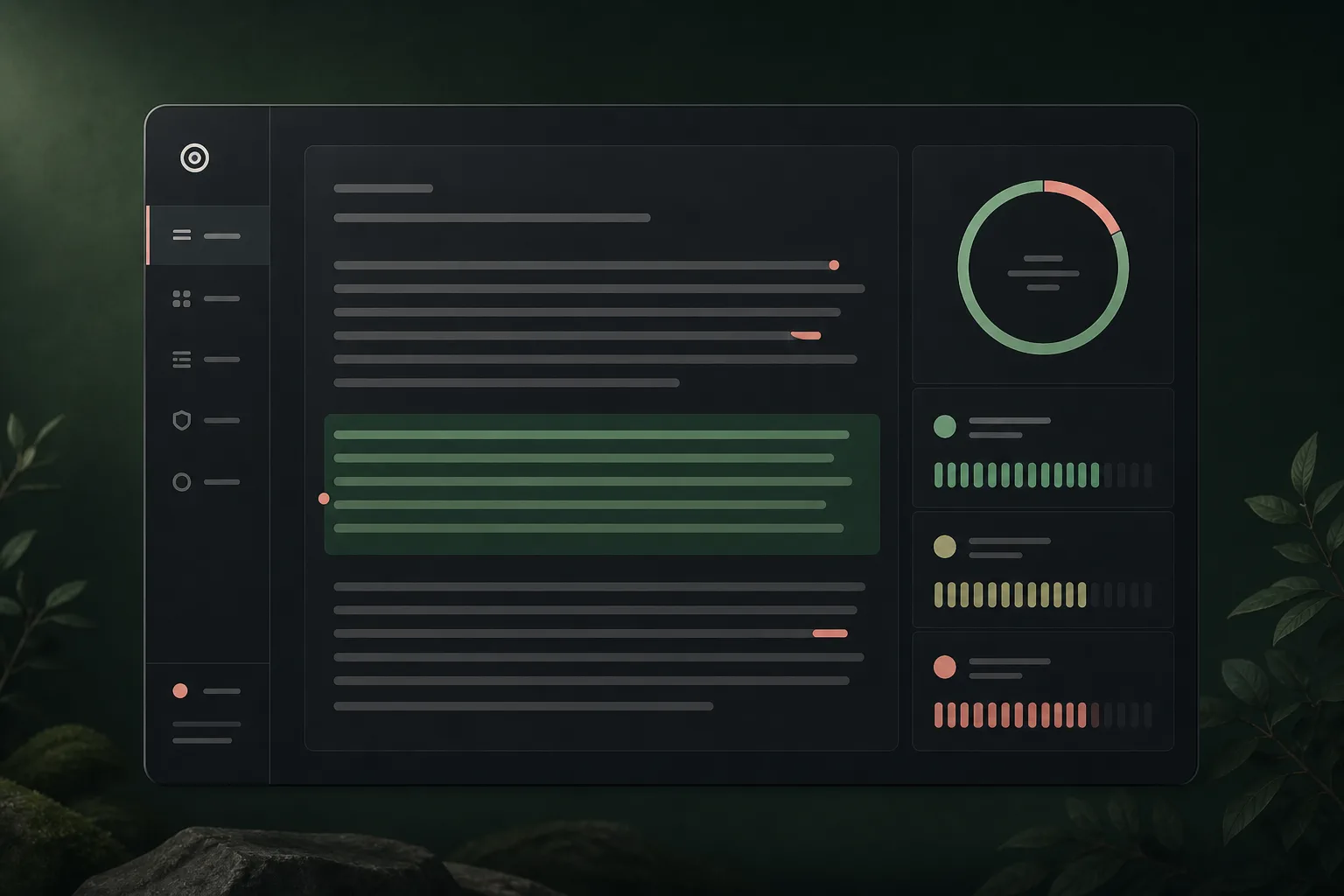
  • Every sentence highlighted, with notes on what to change
AI Analysis Dashboard
Multi-Model Coverage

The models we currently cover

New models ship constantly, so we retrain against the latest releases and publish the per-model numbers below rather than hiding behind one headline figure.

ChatGPT

ChatGPT

OpenAI GPT-5.6 & GPT-5.5

99.4% Accuracy
Gemini

Gemini

Google Gemini 3.7 Flash & Pro

99.1% Accuracy
Claude

Claude

Anthropic Opus 5 & Sonnet 5

98.9% Accuracy
Llama

Llama

Meta Llama 4 & Llama 3.3

98.7% Accuracy
Jasper & Copilot

Jasper & Copilot

Marketing & Writing AI

99.2% Accuracy
Trained on 10M+ real and synthetic texts
Tuned to avoid falsely flagging human writing
Retrained as new models ship
AI Detection Scans
How it Works

Reading your scan results

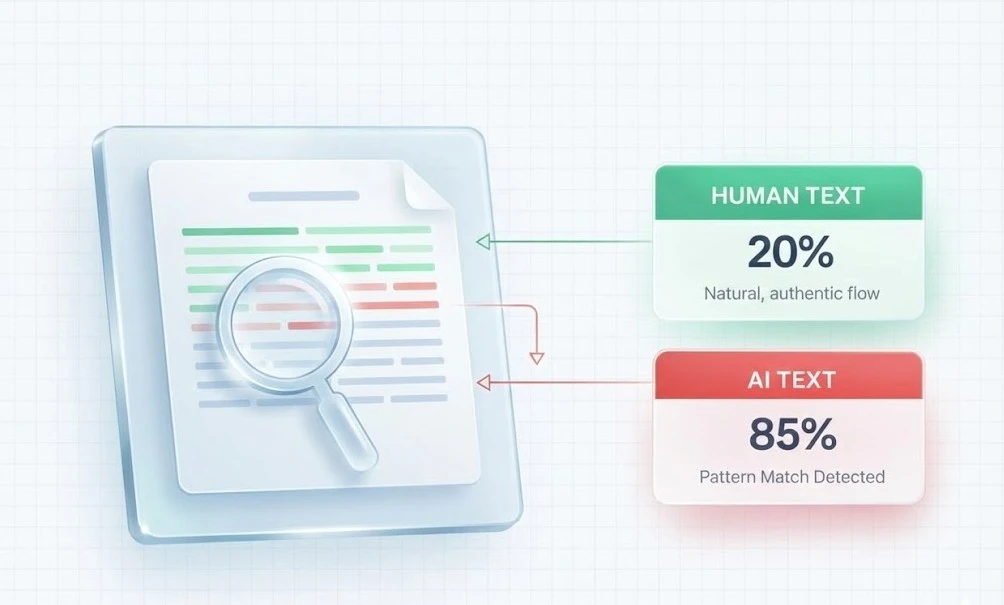
Every sentence gets its own score, color-coded from human to AI. That matters because most flagged documents aren't wholly generated — they're a human draft with a few rewritten paragraphs, and the highlighting shows you exactly which ones.

Why Choose Us

Why people use this one

Mostly because it's free and it doesn't make you sign up. The rest of it is below.

98.5% accurate in our testing

Measured against a held-out set of human and generated writing. The per-model breakdown is further up the page, and the full method is on our methodology page.

Results in a couple of seconds

Up to 10,000 words per scan.

Free, with no paid tier waiting

There's no trial that expires and no card to enter. Scan as often as you want.

Your text is never stored

It's analyzed in memory and discarded. We don't keep it, sell it, or train on it.

Covers the models people actually use

ChatGPT, Gemini, Claude and Llama, plus writing tools like Jasper and Copilot that sit on top of them.

No account

Paste, scan, done.

For Students & Educators

Check it before you hand it in

Plenty of honest work gets flagged by university detectors — dense academic phrasing looks a lot like generated text to a classifier. Run your essay through first and you'll see which sentences are likely to trip an alarm, and why.

  • See which specific sentences would get flagged
  • Rewrite them yourself instead of guessing
  • Educators: screen a batch of submissions in a few minutes
Students using AI detector
Content creators using AI detection
For Writers & Marketers

Know what you're publishing

If you commission writing, you've probably wondered how much of it came out of a chatbot. Scanning a draft answers that in a few seconds, before it goes live under your name.

  • Spot fully generated drafts from freelancers
  • Catch the paragraphs that were padded out with AI
  • Decide what needs a rewrite before it ships
Understanding AI Detection

What is AI content detection?

AI content detection is the job of working out whether a person or a language model produced a piece of writing. No detector reads intent — what they read is statistics.

Two of those statistics do most of the work, and both are worth understanding if you're going to act on a score.

Perplexity

How surprising the word choices are. A model reaches for the likeliest next word, so generated text rarely surprises. Low perplexity is the single strongest signal we have.

Burstiness

How much sentence length jumps around. Yours varies more than you think. A model holds a steadier line, paragraph after paragraph.

Content Breakdown

How human and AI writing differ

These are the differences our scoring leans on. None of them is proof on its own — it's the combination that gives a reliable read.

Human Authored Text High Perplexity
  • Sentence length jumps around

    A four-word sentence lands. Then one that runs on for a while, doubling back to add the thing you forgot.

  • Odd word choices

    Slang, a regional turn of phrase, the wrong-but-better word. Things a model would have smoothed over.

  • Tone drifts

    A writer gets irritated, or funny, or bored, and the prose shows it. That drift is hard to fake.

AI Generated Content Low Perplexity
  • The safe word, every time

    Models are built to pick the likeliest next word, which is exactly what makes their output easy to score.

  • Everything the same length

    Paragraph after paragraph of sentences that all sit around the same word count, with the same shape.

  • The same connective phrases

    "Furthermore." "In summary." "It is important to note." Once you start noticing them you can't stop.

Our Technology

Watch a scan
run start to finish.

A minute of screen recording, no narration over stock footage. You'll see a mixed document go in and come out with its rewritten paragraphs highlighted and the clean ones left alone.

  • Each sentence highlighted on its own score
  • Separate verdicts for human, AI, and mixed passages
  • Built from millions of academic and creative samples
Try Detection Free
AI Analysis Demo
â–¶ Watch Demo (0:58)
Writing Tips & Best Practices

Six ways to make a draft read like a person wrote it

These fix the writing, not just the score. If you only game the detector, the prose is still bad.

1. Break up the rhythm

Find three sentences in a row that are roughly the same length and cut one of them in half. Do that a few times per page. It's the fastest change you can make and it improves the writing anyway.

2. Put something in only you could know

A model can't tell you what happened in your seminar last Tuesday, or why the obvious approach failed when you tried it. One concrete detail from your own experience does more than a page of hedged generalities.

3. Delete the connective tissue

Search your draft for "Furthermore," "In conclusion," and "It is important to note." Almost every one can be deleted outright — the sentence underneath usually stands up fine on its own. An AI humanizer will do this pass for you if you'd rather not.

4. Name things

"Researchers have suggested" becomes "Bender argued, in 2021". Vague attribution and passive constructions are where generated text hides, because a model often has no specific source in mind.

5. Keep the word you'd actually use

Not the polished synonym. If you'd say "messy" in conversation, don't write "suboptimal". Your ordinary vocabulary is less predictable than the register people reach for when they're trying to sound academic.

6. Read it out loud

Boring, and it works. Your ear catches the flat, evenly-paced stretches that your eye skims straight past. If you run out of breath or lose the thread, so will a reader.

98.5%
Accuracy in our own testing
50M+
Documents scanned
1M+
People have used it
10+
Models covered

Accuracy is measured on our own held-out test set — see how we run it.

Extensions & Integrations

Two other ways to run a scan

If you're checking text all day, copying it into this page gets old. Use the browser extension, or call the API from your own code.

Chrome Extension

Scan without leaving the page

Select text anywhere — a Google Doc, an email, a submission in your LMS — right-click, and get the same scan you'd get here.

  • Instant right-click text scanning
  • Deep Google Docs integration
  • Sentence-level probability highlights
Developer API

Call it from your own code

POST text, get back JSON with a score per sentence. Teams wire it into an LMS, a hiring pipeline, or a CMS publish step.

  • JSON over REST, one endpoint to learn
  • Multi-language code snippets (cURL, Node, Python, PHP, Go)
  • API key auth, with published rate limits
Testimonials

What people say about it

Feedback from people using the free scanner.

"I was so worried about my essay getting flagged falsely. GPT Zero helped me identify the problematic sentences so I could rewrite them in my own voice. Lifesaver!"

Sarah Jenkins
Sarah Jenkins
University Student

"We hire dozens of freelancers and needed a way to verify originality. This tool is fast, accurate, and the free version is surprisingly generous. Highly recommend."

David Chen
David Chen
Content Manager

"I appreciate that it doesn't just say 'AI' or 'Human' but highlights the specific parts. It helps me have constructive conversations with students about their writing."

Dr. Emily Rodriguez
Dr. Emily Rodriguez
University Professor

"I use ChatGPT for outlines but write the rest myself. GPT Zero helps me ensure my final draft reads naturally and won't be penalized by Google."

Mark Thompson
Mark Thompson
Blogger & Writer

"The most reliable detector I've found. The interface is clean and easy to use. I love that I don't need to sign up to check a quick paragraph."

Jessica Lee
Jessica Lee
High School Educator

"Essential tool for my workflow. I check every piece of content before publishing. The accuracy in distinguishing between GPT-5 and human text is impressive."

Ryan Patel
Ryan Patel
SEO Specialist
4.8 / 5.0
Based on 6+ reviews

How would you rate your experience?

Click a star to rate us

FAQ

Frequently asked questions

The ones we get most often, answered straight.

Is GPT Zero free to use?

Yes. There is no paid tier, no trial clock and no card required. Ads on the page cover the cost of running it.

How accurate is GPT Zero?

It scores 98.5% on our own held-out test set of human and generated writing. Treat any detector result as evidence rather than proof, and expect passages under about 150 words to be the least reliable.

Which AI models can you detect?

We test directly against ChatGPT, Claude, Gemini and Llama. Writing tools built on top of them, such as Jasper and Copilot, usually score the same way because the underlying text comes from the same models.

Is my content private and secure?

Your text is scored in memory and dropped once the response is sent. We do not store it, sell it, or train on it.

Can AI detection help with SEO?

Indirectly. Google does not rank a page down simply for being AI-written; its guidance targets unhelpful content whoever wrote it. A scan is a prompt to check whether a draft actually says anything, which is the part that affects rankings.

It flagged something I wrote myself. What now?

That happens, and it happens most to formal academic prose, technical documentation, and writing by people working in a second language, all of which are naturally more uniform than casual writing. Look at which sentences were flagged rather than the overall number. If they are your densest, most formal passages, that is the likely explanation.